DESIGNATHON
AI PROTOTYPING
WATCH DESIGN
✦ Training the brain's sense of time with AI-assisted design.
A smartwatch interface that utilizes haptic feedback to improve users’ perception of time. In 72 hours, ideated from concept to pitch and built an interactive demo in Figma Make.
Jump to solution
View our designathon post
ROLE
Product designer
TOOLS
Figma
Figma Make
Adobe Illustrator
TIMELINE
3-day sprint
TEAM
2 product designers
Overview
I partnered with one other designer to tackle FigBuild 2026, a three-day designathon hosted by Figma.
The prompt asked participants to explore how technology could measure and influence human sensory experience. Specifically, participants were encouraged to utilize AI tools like Figma Make to speed up their workflow.
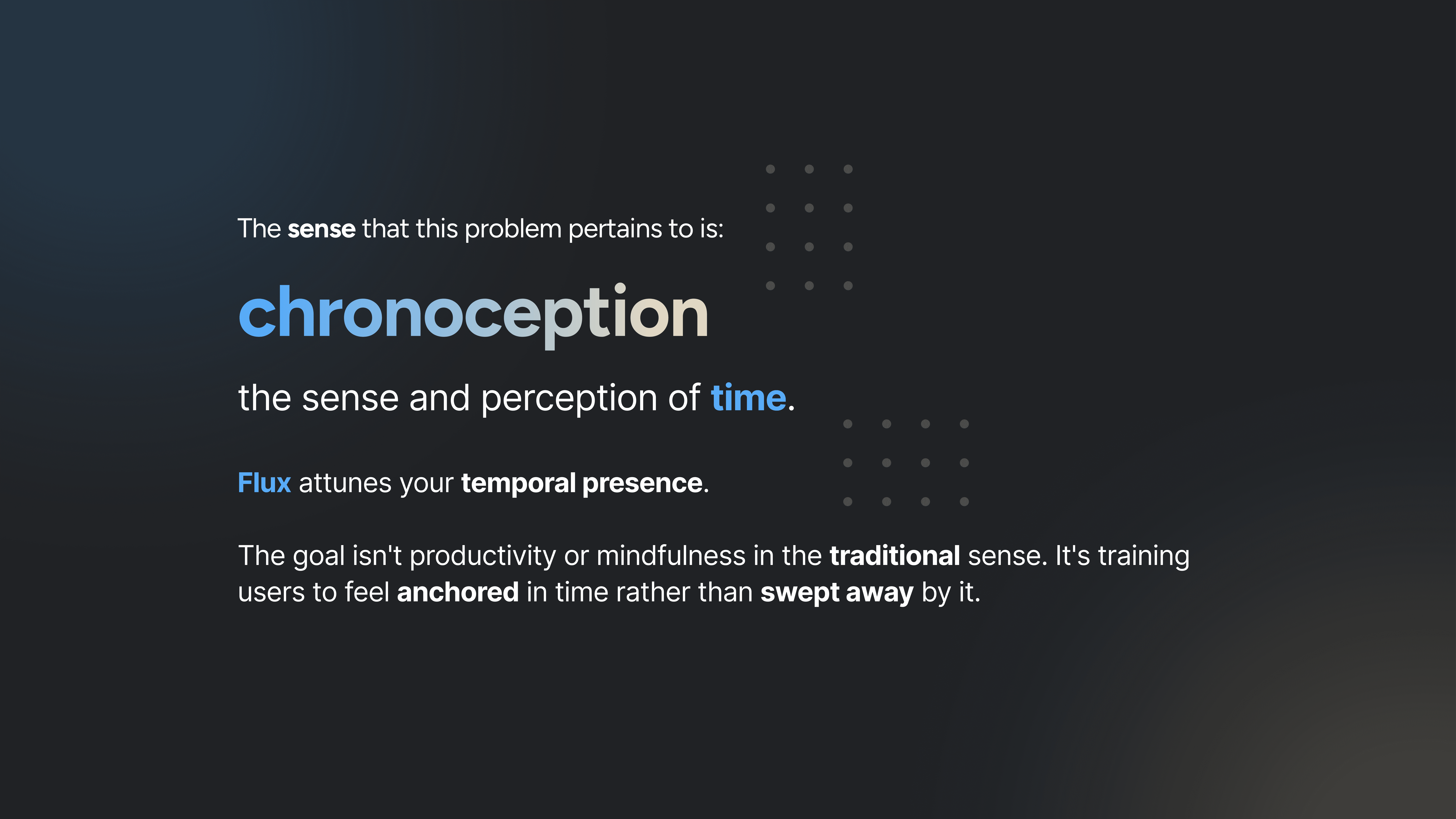
We focused on an often overlooked sense—chronoception, or the perception of time. With this as our basis, we created Flux, a smartwatch interface designed to help users track and feel time.
SNEAK PEEK
A watch interface realized through AI prototyping
Partnering with one other product designer, I designed the watch interface and created an interactive dial prototype utilizing Figma Make, in just under 72 hours.


CONCEPT IDEATION
Finding a problem worth solving
As a college student, I constantly check my phone everyday—while waiting in line, in-between class, or before a meeting—just to see what the time is, even if only five minutes have passed.
Ironically, technology has made us more dependent on clocks while weakening our own perception of time.
The opportunity
Can technology train time perception rather than simply display time?
We explored chronoception—the brain's internal sense of time—and wondered whether technology could strengthen it instead of replacing it.
RESEARCH
Building confidence through research
Before designing anything, we needed to determine whether the concept was actually plausible.
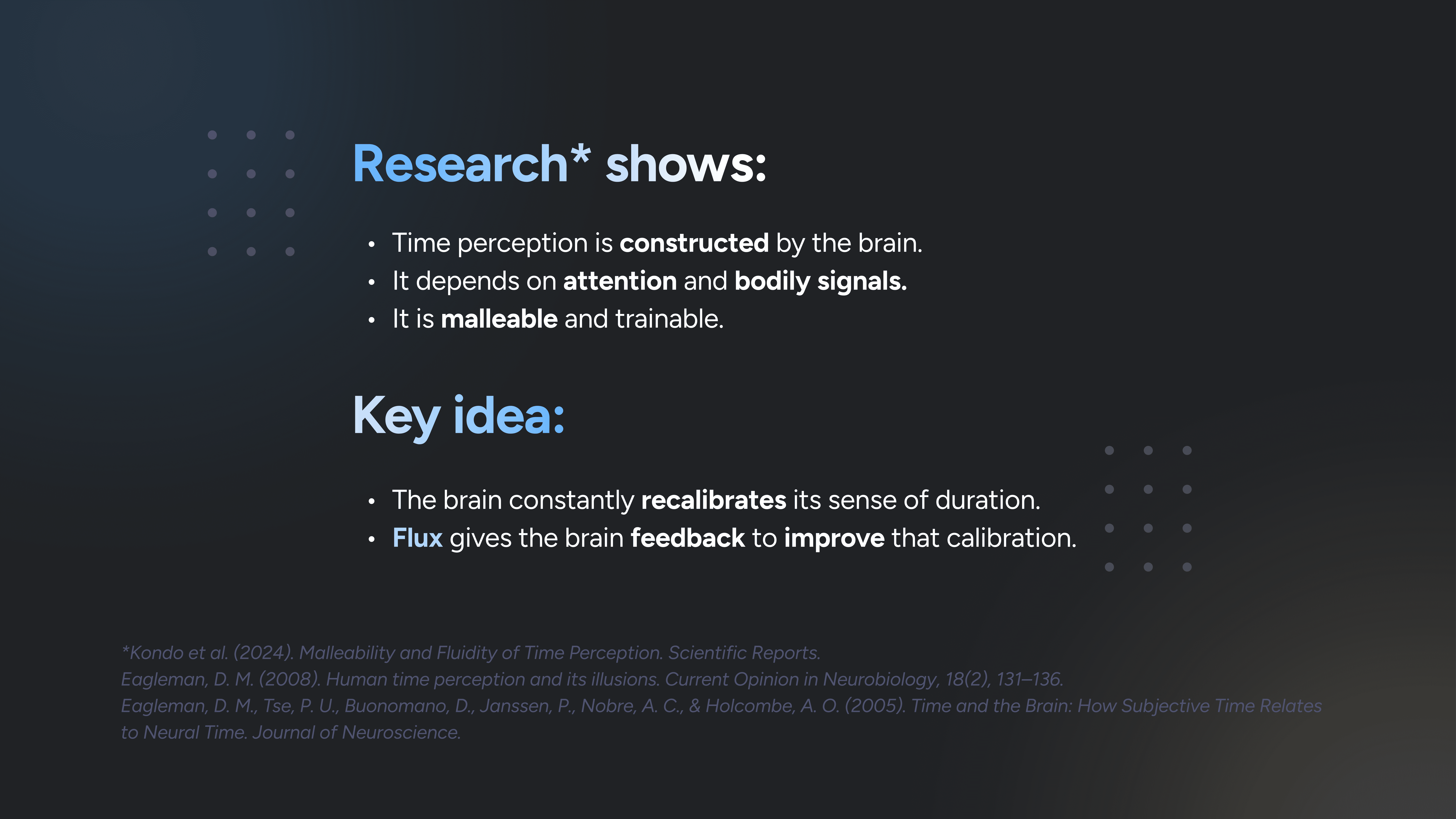
We synthesized neuroscience research around time perception, sensory substitution, and haptics to understand whether people could learn to develop a stronger internal sense of time through touch. We found that:
Time perception is constructed by the brain
Our perception of duration isn't fixed. The brain continuously recalibrates its sense of time based on attention, bodily signals, and experience.
It's both malleable and trainable
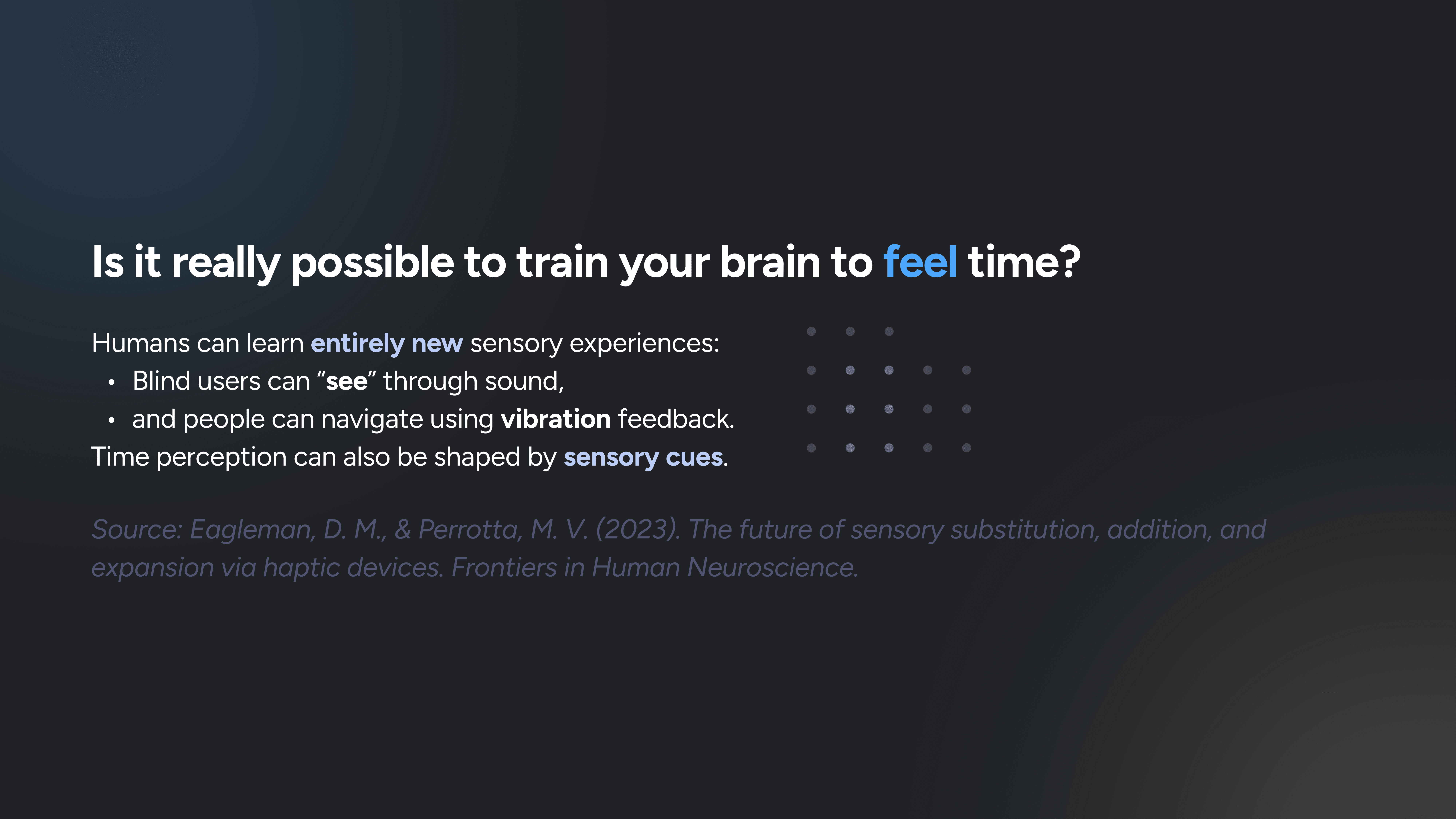
Research on sensory substitution shows that people can learn entirely new ways of interpreting information—from navigating through sound to using vibration as a spatial cue.
Touch can communicate timing: haptics
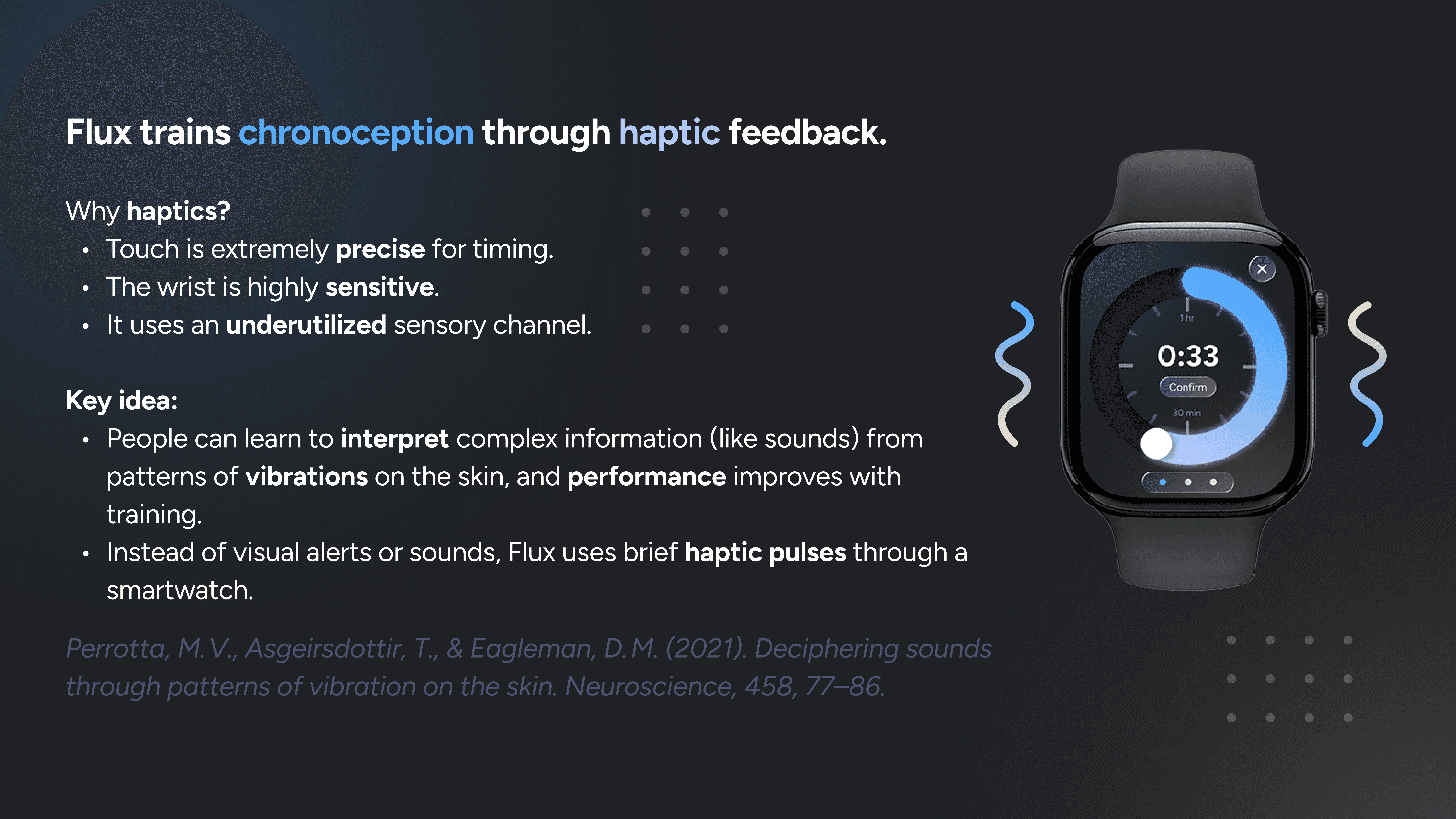
The wrist is highly sensitive to vibration, and research shows that people can distinguish precise temporal patterns through haptics and improve with training.
Our takeaway: If the brain can learn new sensory associations and touch can communicate precise timing, then time doesn't have to be something we see or hear—it can be something we learn to feel.
Kondo et al. (2024). Malleability and Fluidity of Time Perception. Scientific Reports.
Eagleman, D. M. (2008). Human time perception and its illusions. Current Opinion in Neurobiology, 18(2), 131–136.
Eagleman, D. M., Tse, P. U., Buonomano, D., Janssen, P., Nobre, A. C., & Holcombe, A. O. (2005). Time and the Brain: How Subjective Time Relates to Neural Time. Journal of Neuroscience.
Eagleman, D. M., & Perrotta, M. V. (2023). The future of sensory substitution, addition, and expansion via haptic devices. Frontiers in Human Neuroscience.
Perrotta, M. V., Asgeirsdottir, T., & Eagleman, D. M. (2021). Deciphering sounds through patterns of vibration on the skin. Neuroscience, 458, 77–86.
PROBLEM
How might we strengthen one's sense and perception of time through haptic pulses?
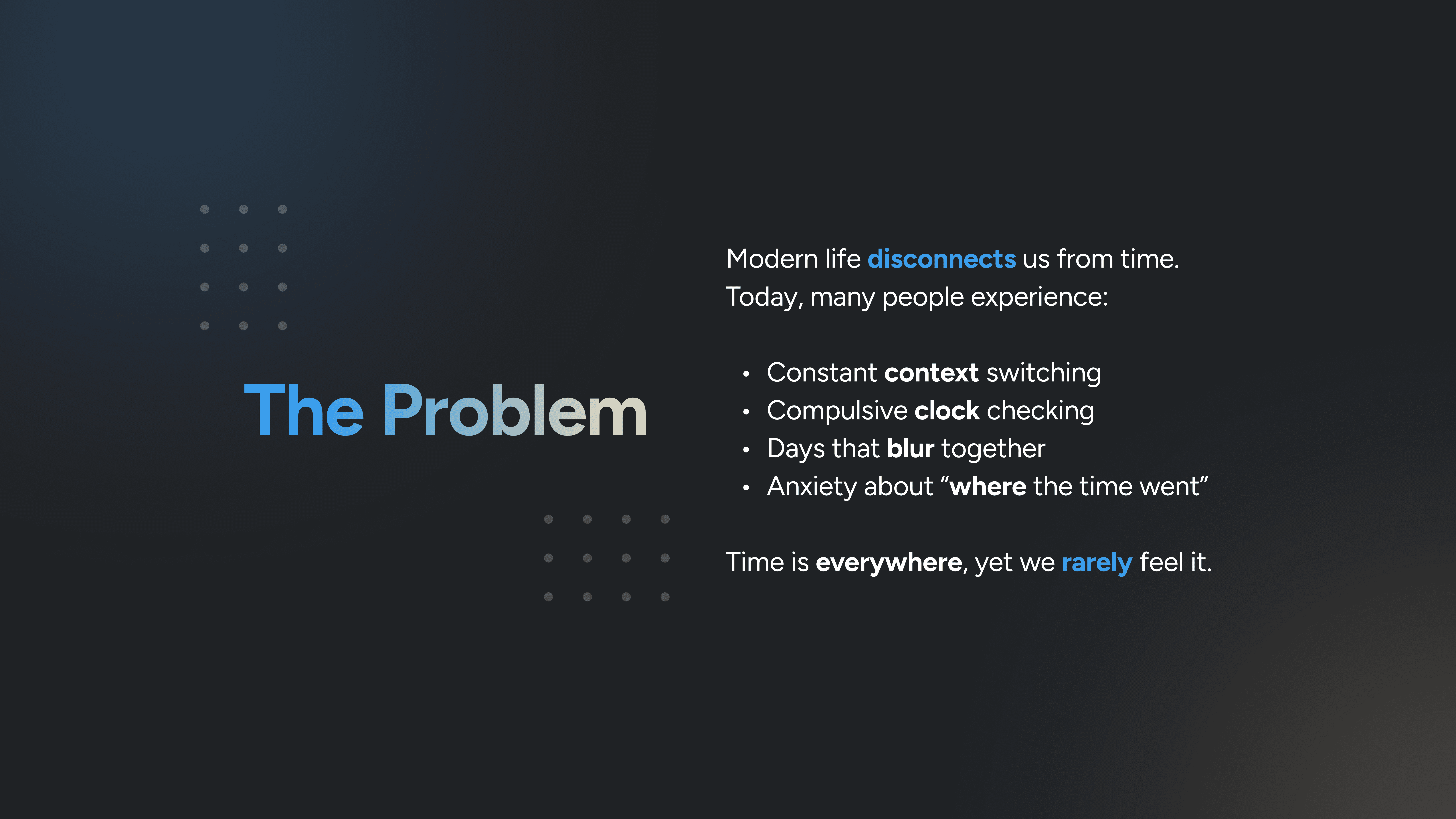
The sense that this problem focuses on is chronoception. Today, many people experience compulsive clock checking and a warped sense of where the time went.
PRODUCT DECISION
Designing for time perception
I mapped the onboarding and notification flows to understand how users would enter and interact with the interface.
Original idea: Flux runs automatically in the background.
Assumption: Predictable daily routines, creating unnecessary friction for users with an irregular schedule.
Our solution: Optimize for flexibility.
The biggest design decision: Users manually enter and exit training sessions whenever they choose.
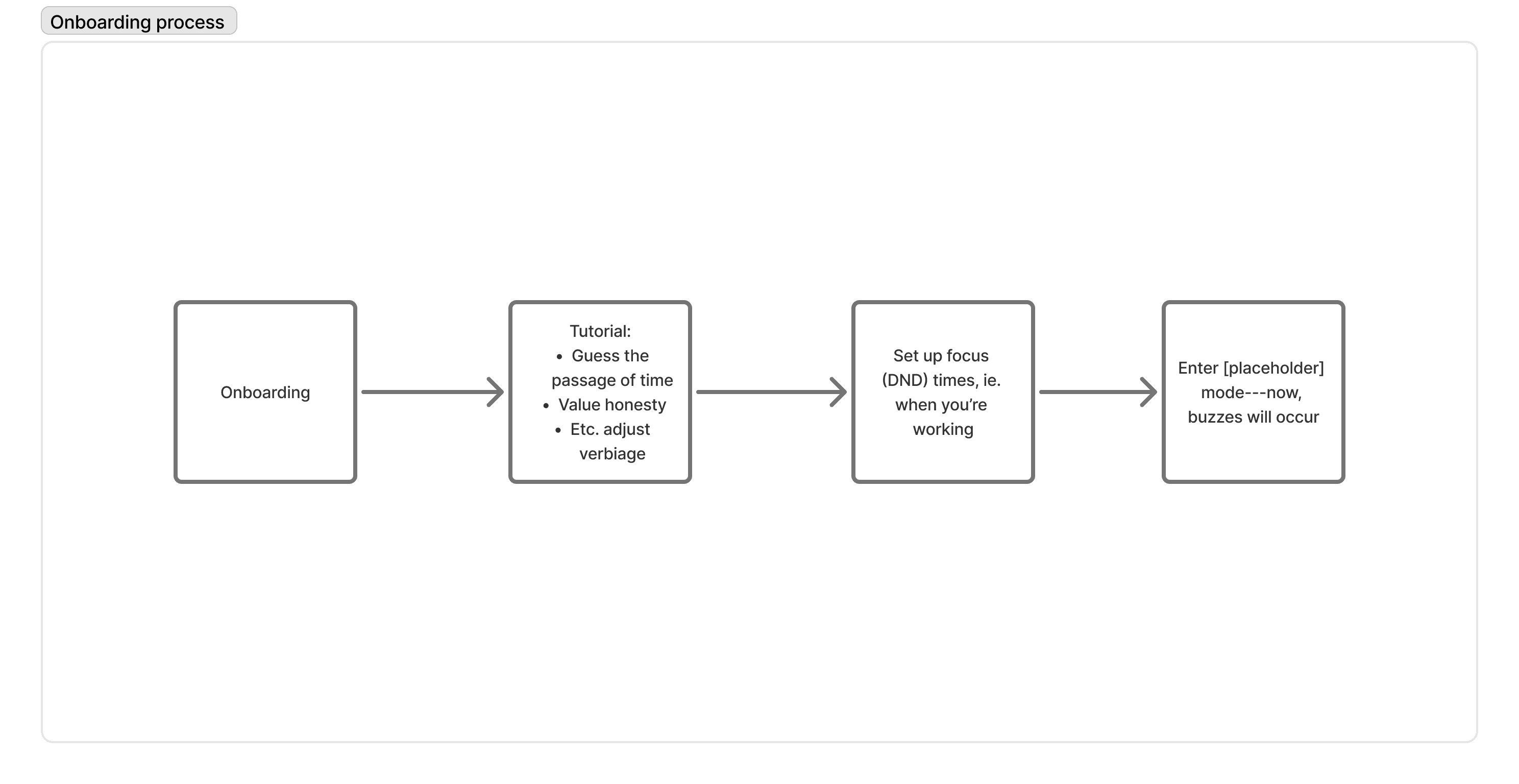
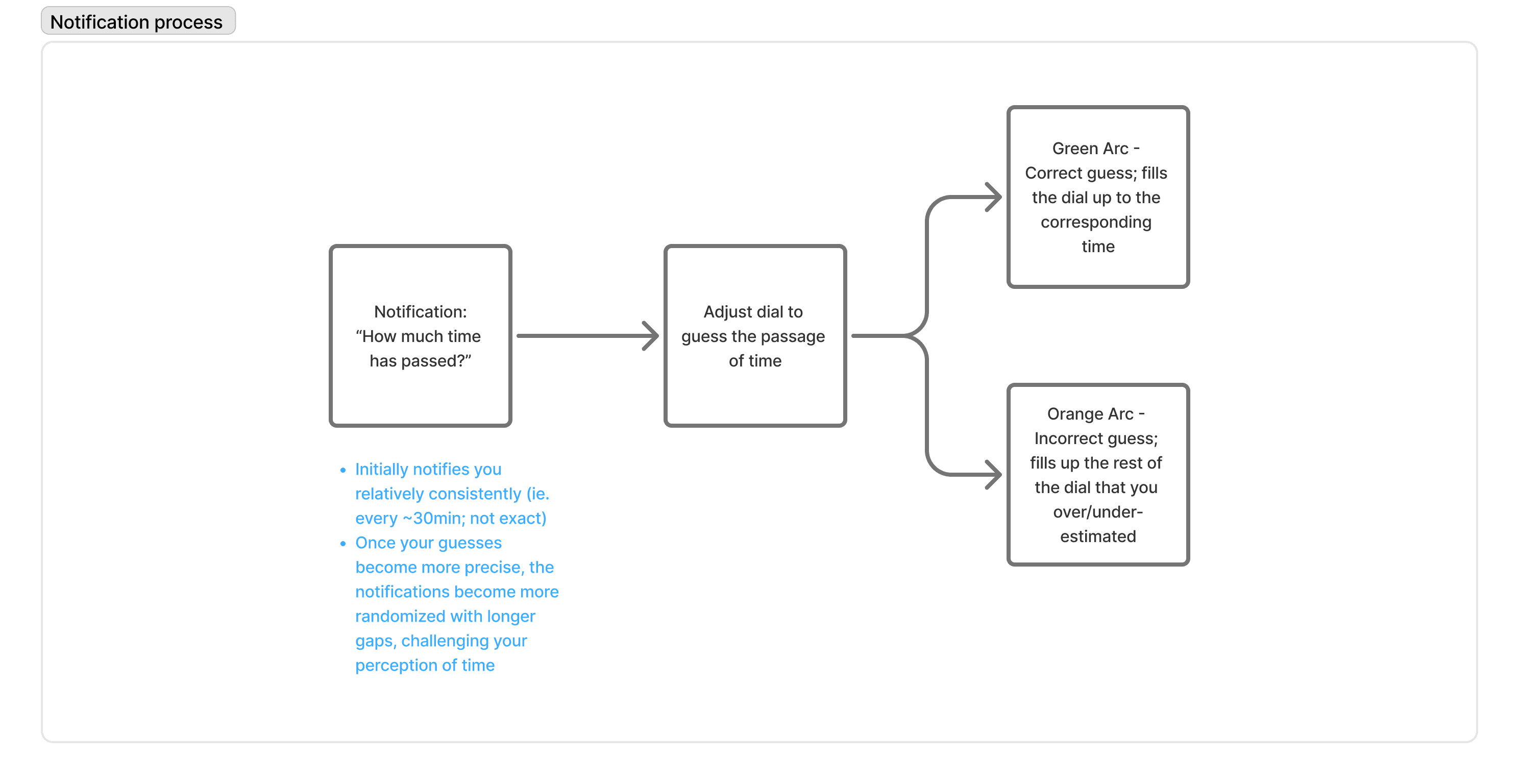
Onboarding and notification flows.
LOW-FI PROTOTYPING
Rapid iteration
Given the smartwatch-sized display, every screen needed to communicate information instantly.
I explored multiple layouts, dial visualizations, and color systems before narrowing the experience to the simplest possible interaction.
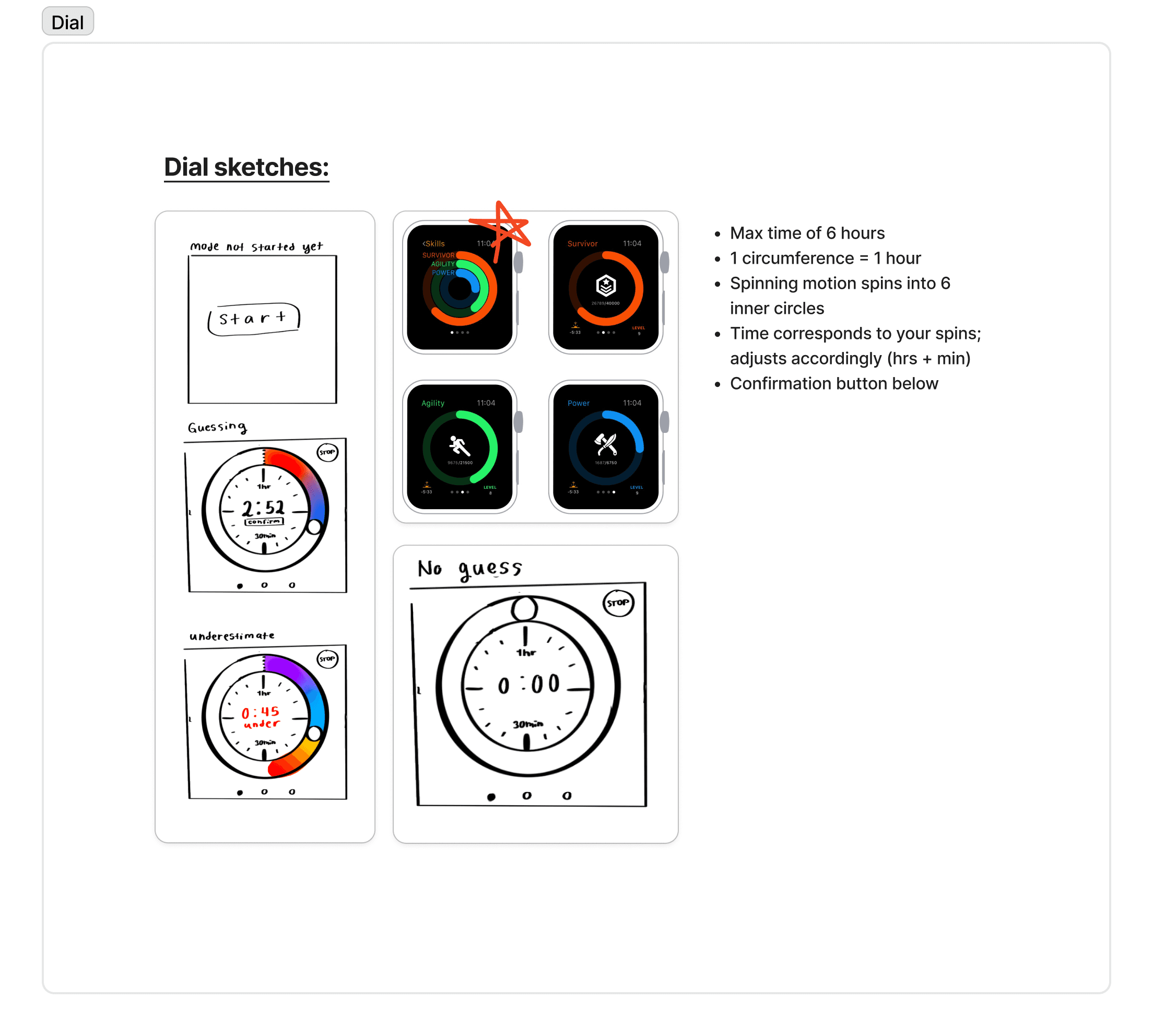
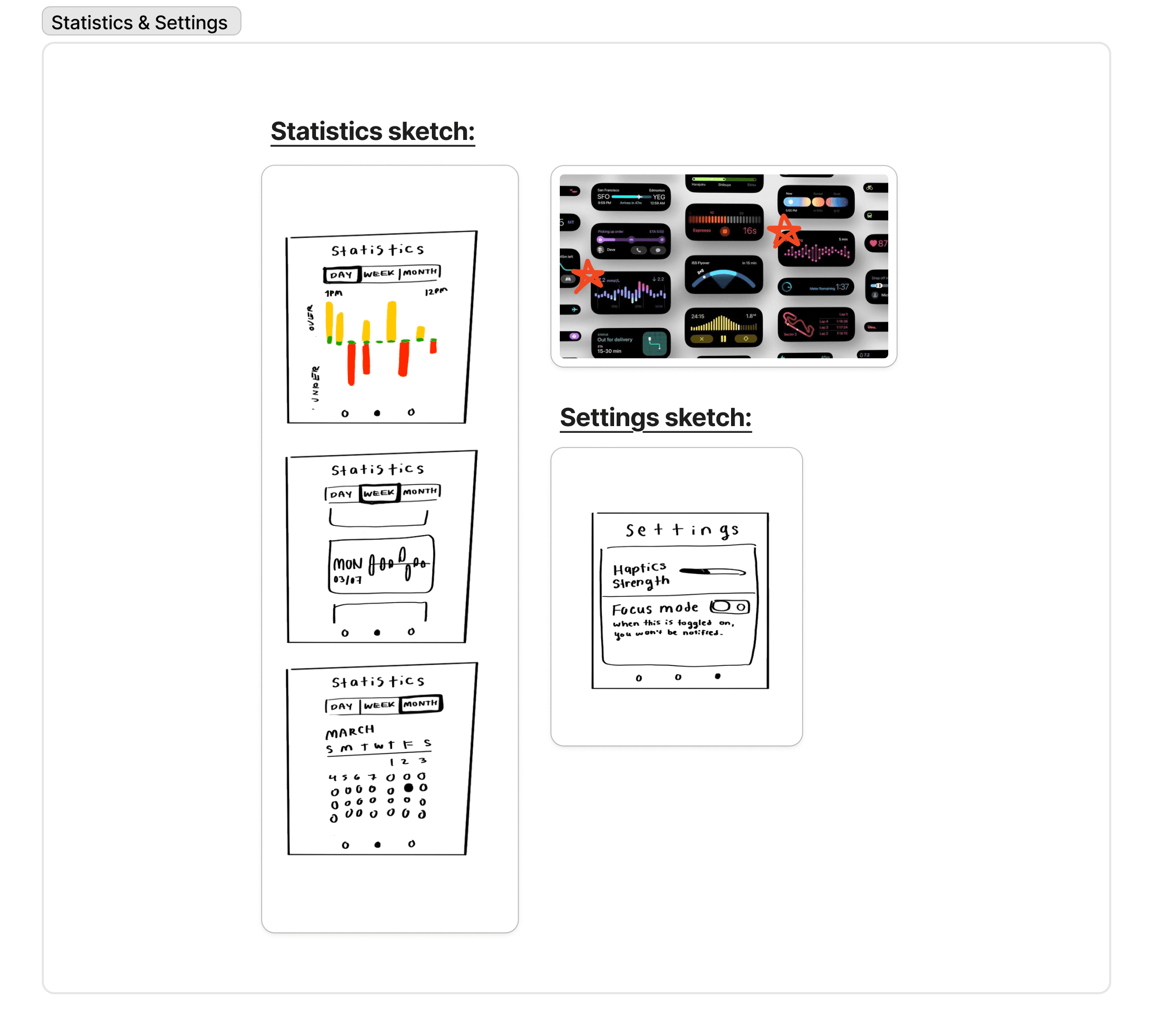
Explorations for the dial and statistics pages.
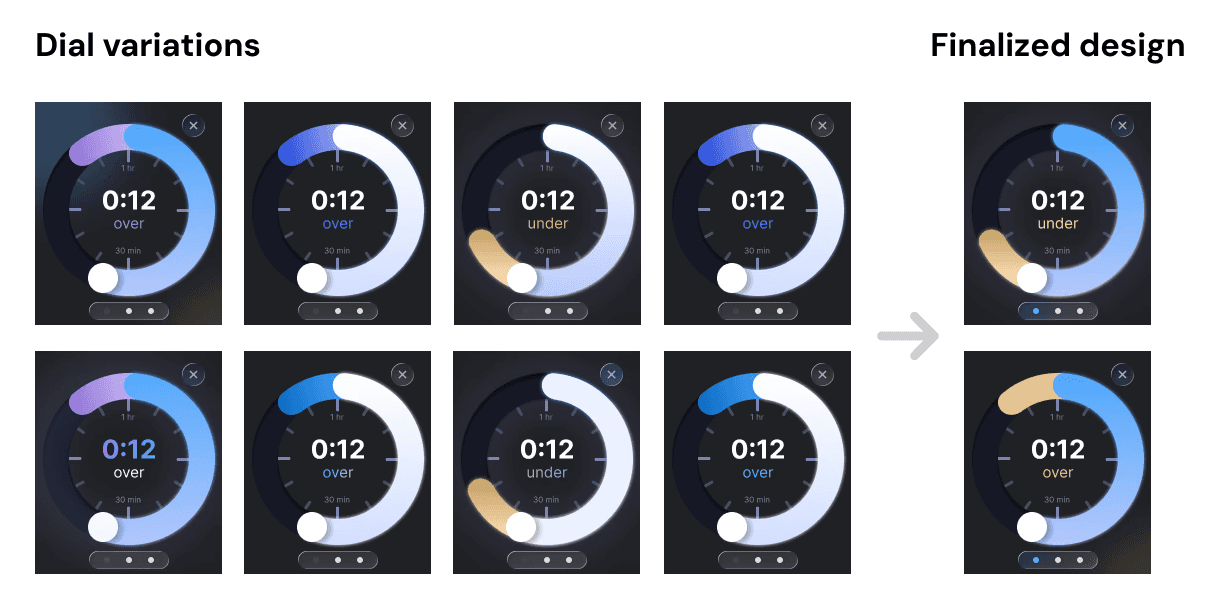
For the dial, our goal was to utilize colors that clearly communicated how close a user’s guess is to the actual time at a glance.
Ultimately, we chose a solution that utilized Flux's primary color palette while maintaining strong contrast. This ensured clarity without feeling visually dull.
AI TOOLS
AI as a design partner
Given the three-day constraint, AI helped accelerate our workflow.
Rather than manually prototyping every interaction, we used Figma Make to rapidly generate functional interface behavior, allowing us to evaluate ideas in minutes instead of hours.

Figma Make original prompt and version history.
This shifted our time toward higher-value design work, like refining user interactions and improving visual communication.
Instead of replacing the design process, AI became a tool that helped us explore more concepts within the same deadline.
FINAL SOLUTION
✦ Flux: Time, made tangible
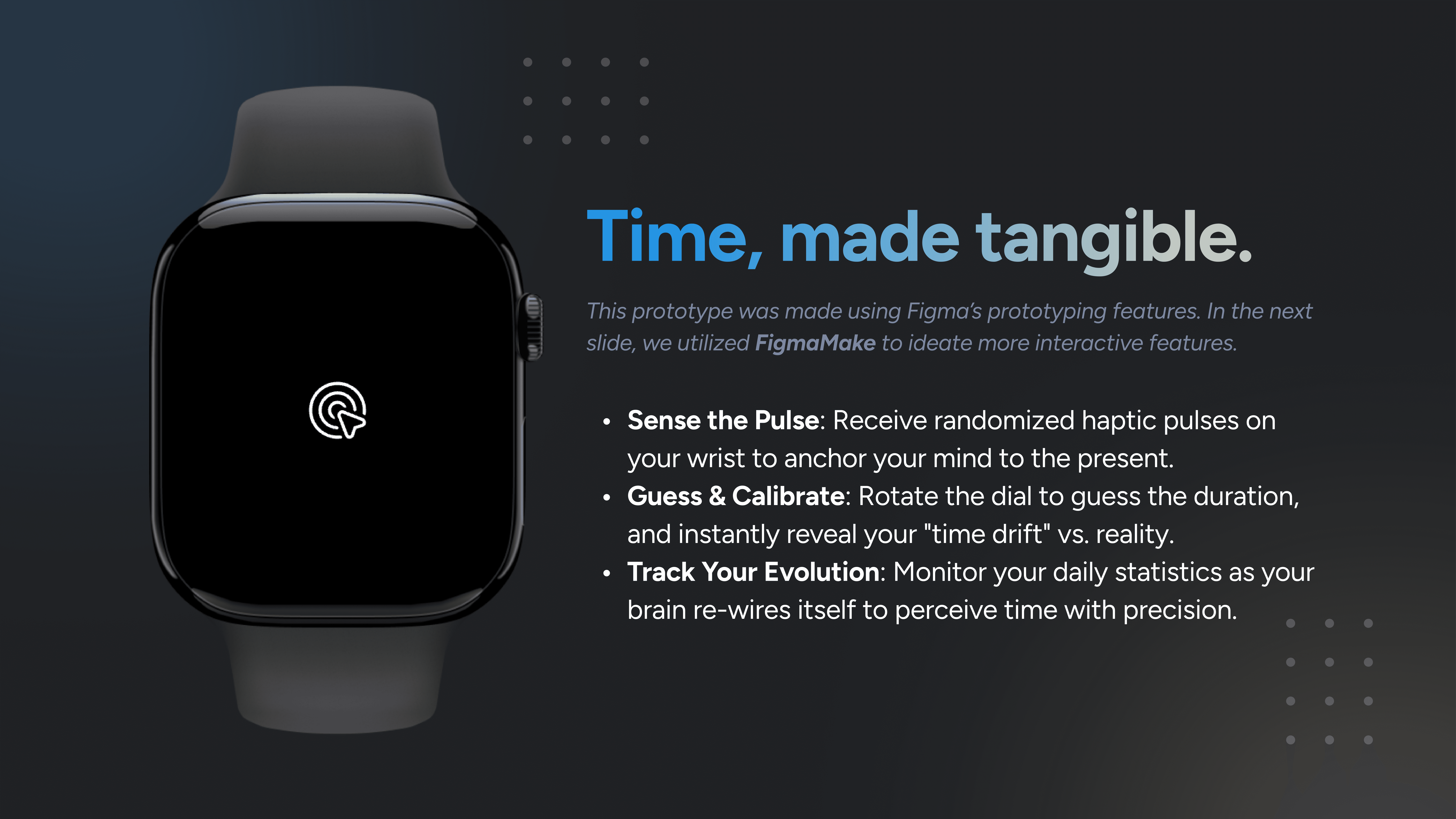
Receive randomized haptic pulses that anchor your attention to the present moment.
Rotate the dial to estimate elapsed time and instantly see your “time drift” compared to reality.
Track daily progress to build a more accurate and intuitive sense of time.
FINAL SOLUTION
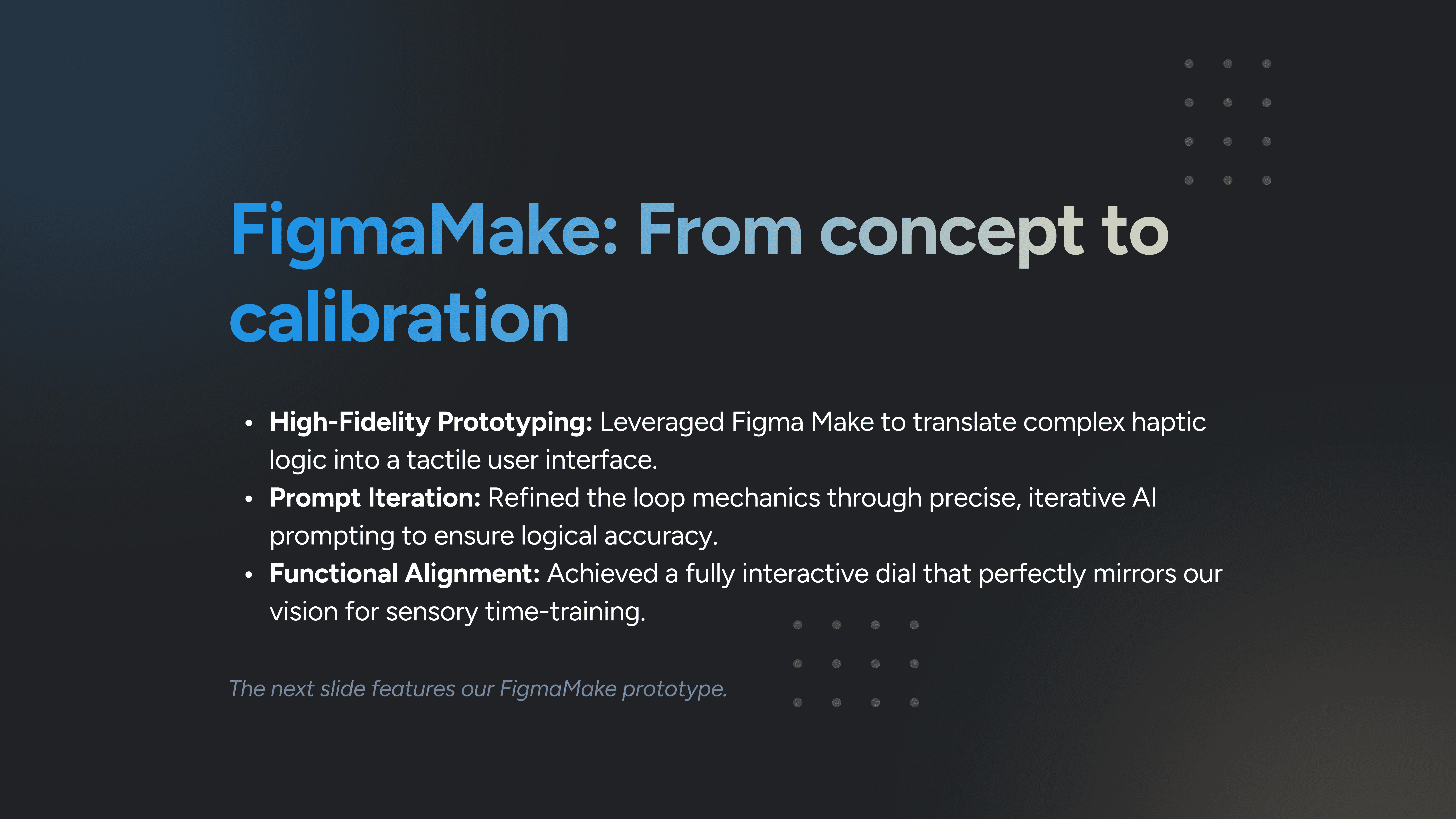
Utilized Figma Make to transform the dial function into an interactive interface.
Iteratively refined the loop mechanics with AI prompting to ensure accuracy and consistency.
Created a fully interactive dial that reflected our vision for sensory time training.
PITCH DECK & VIDEO
From design to pitch
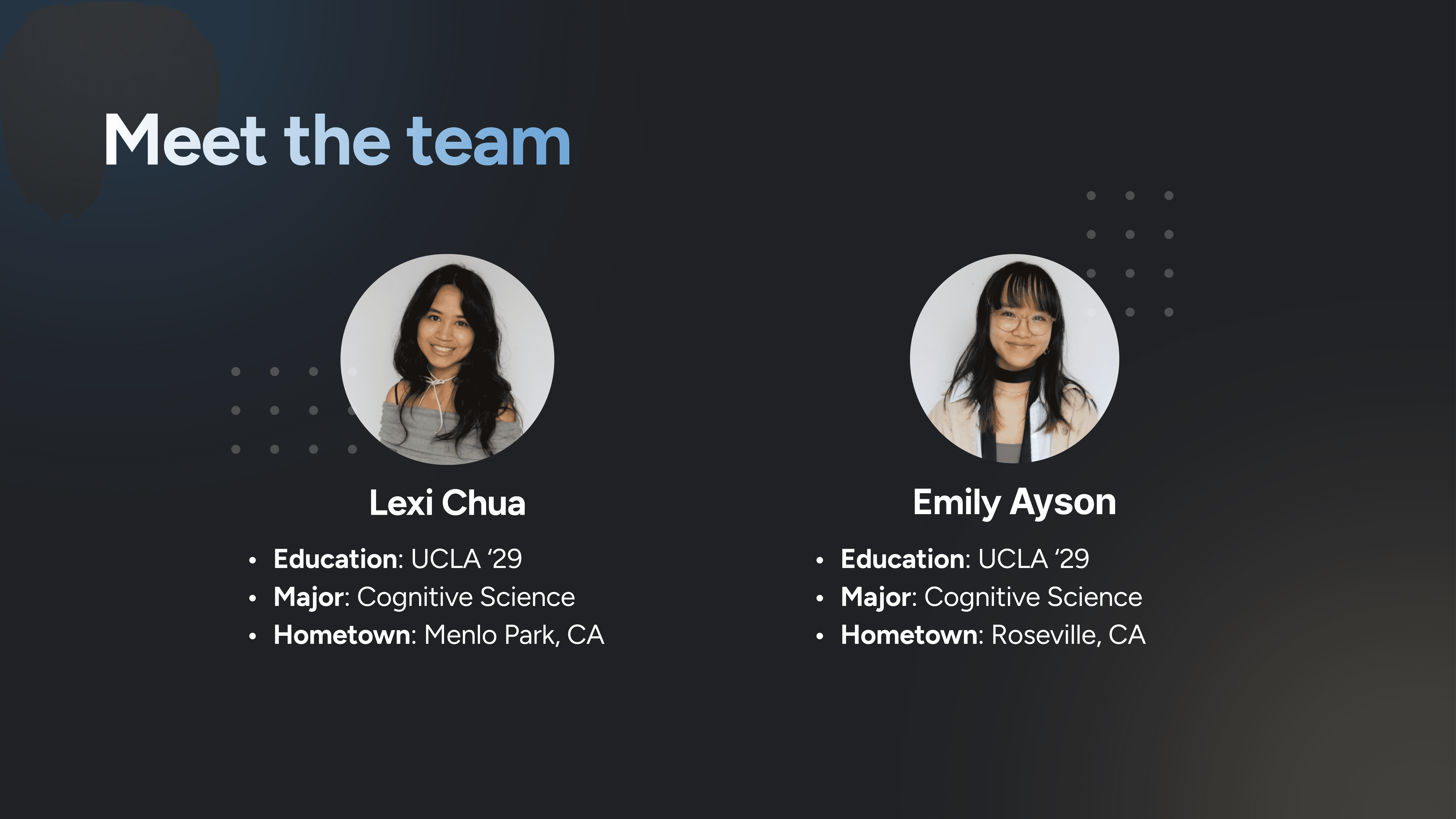
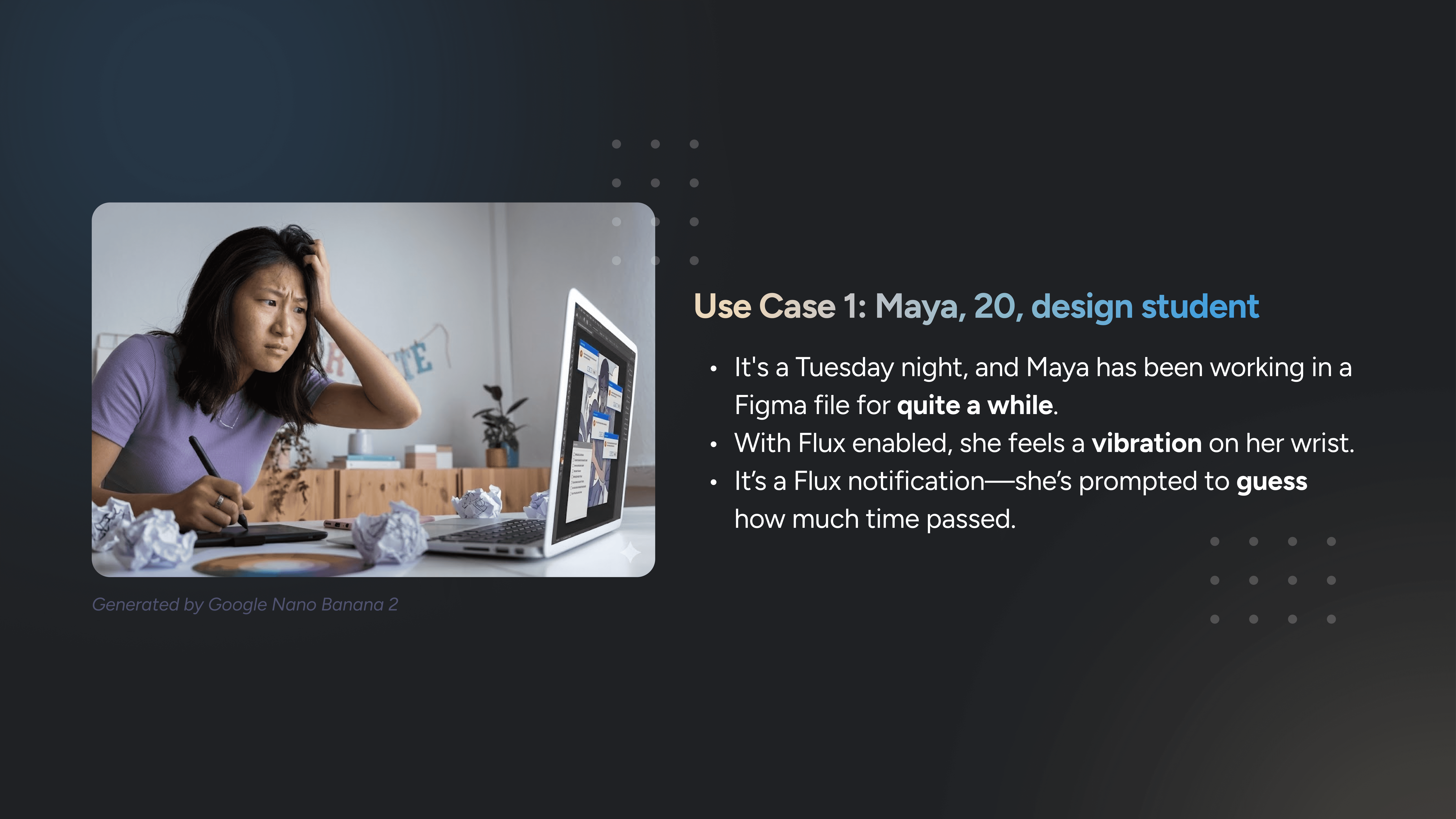
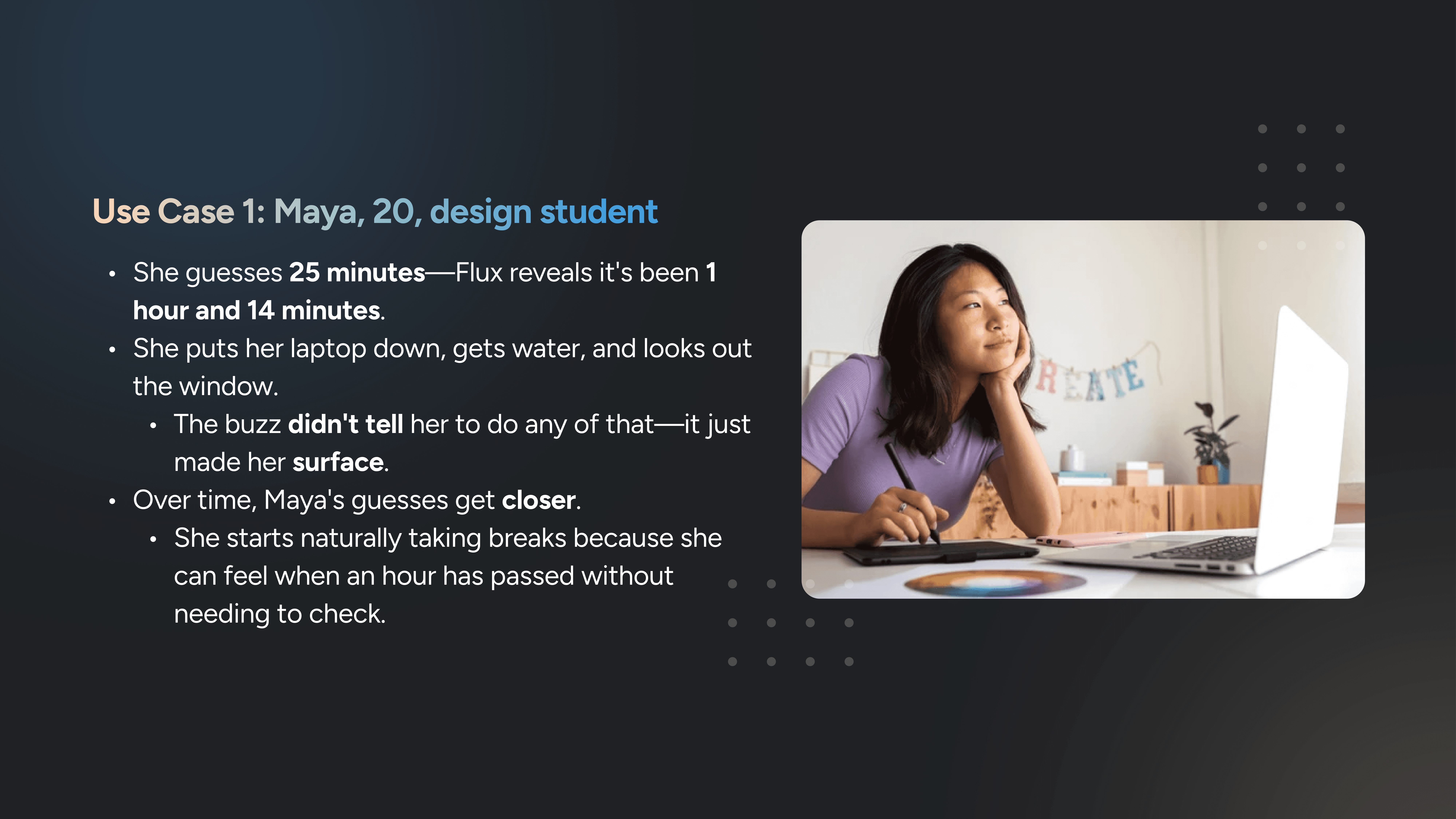
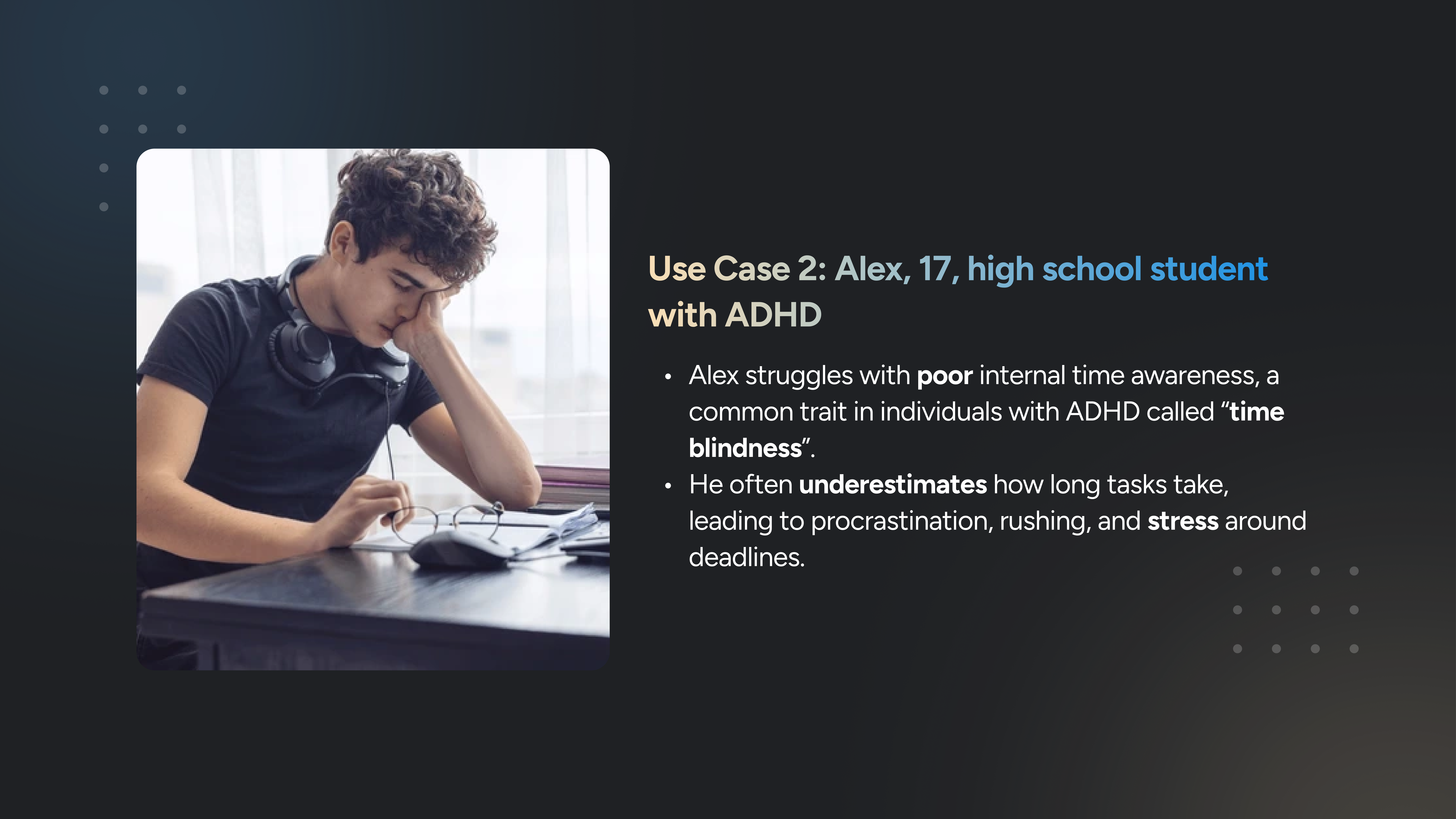
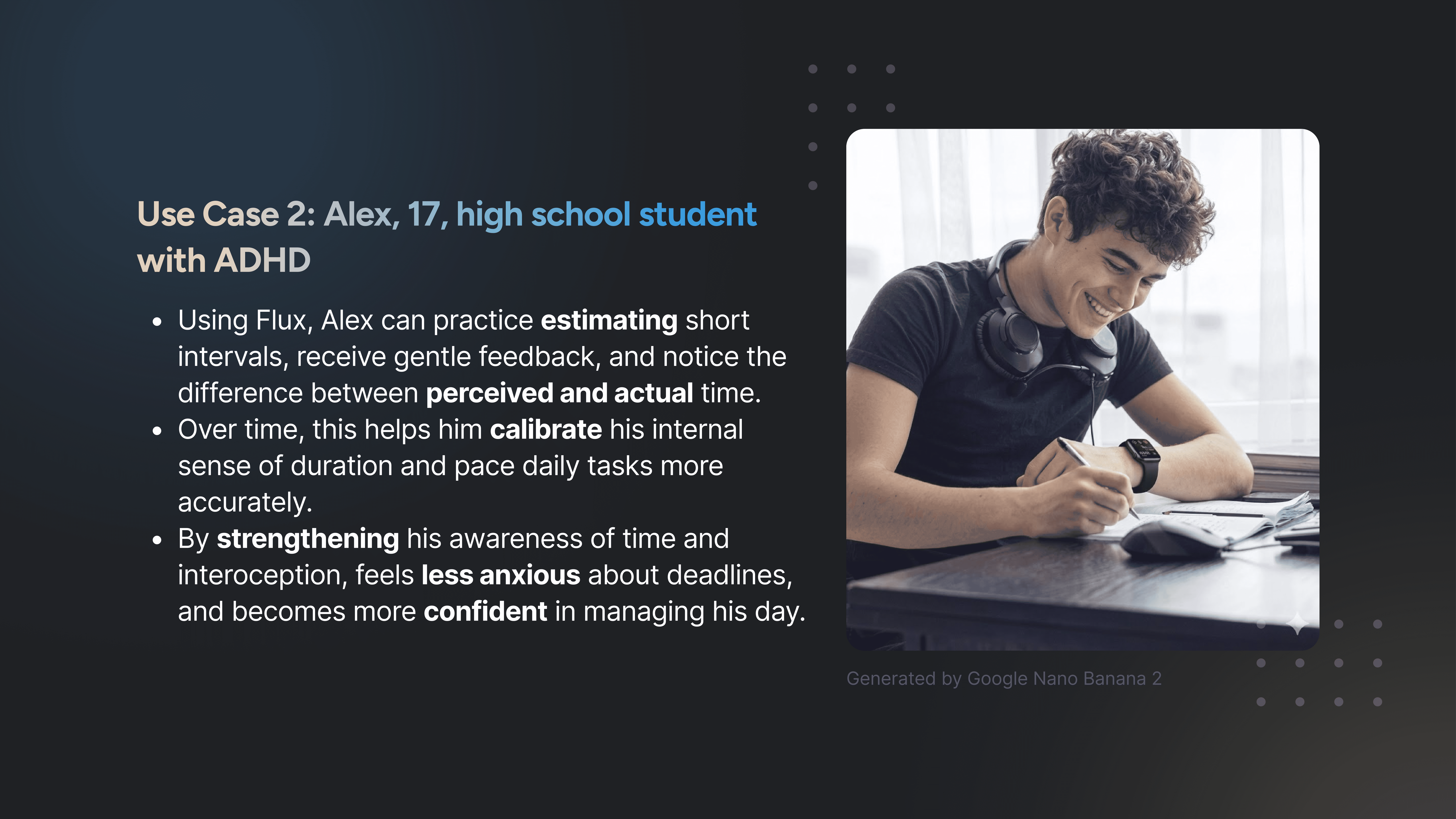
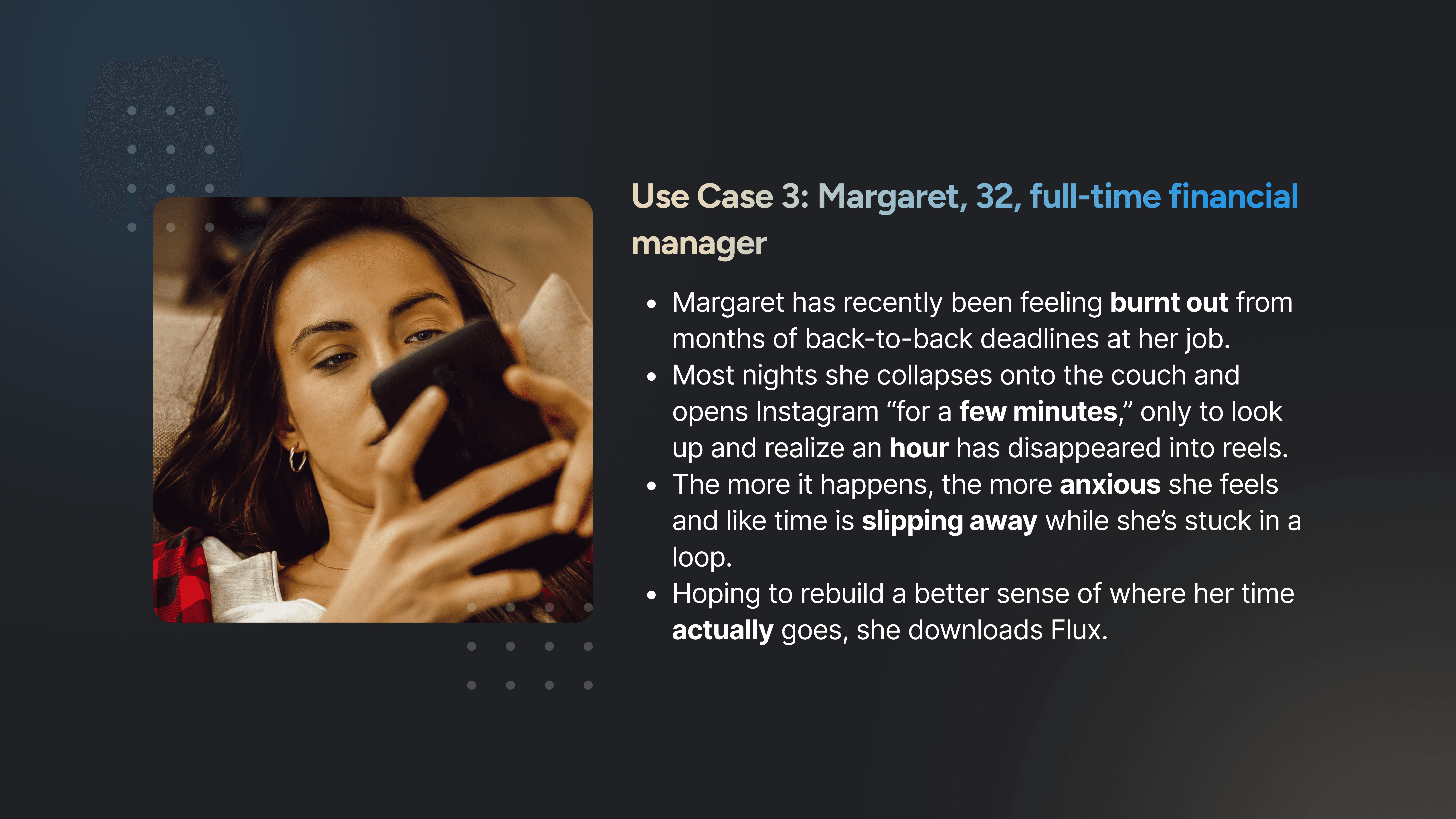
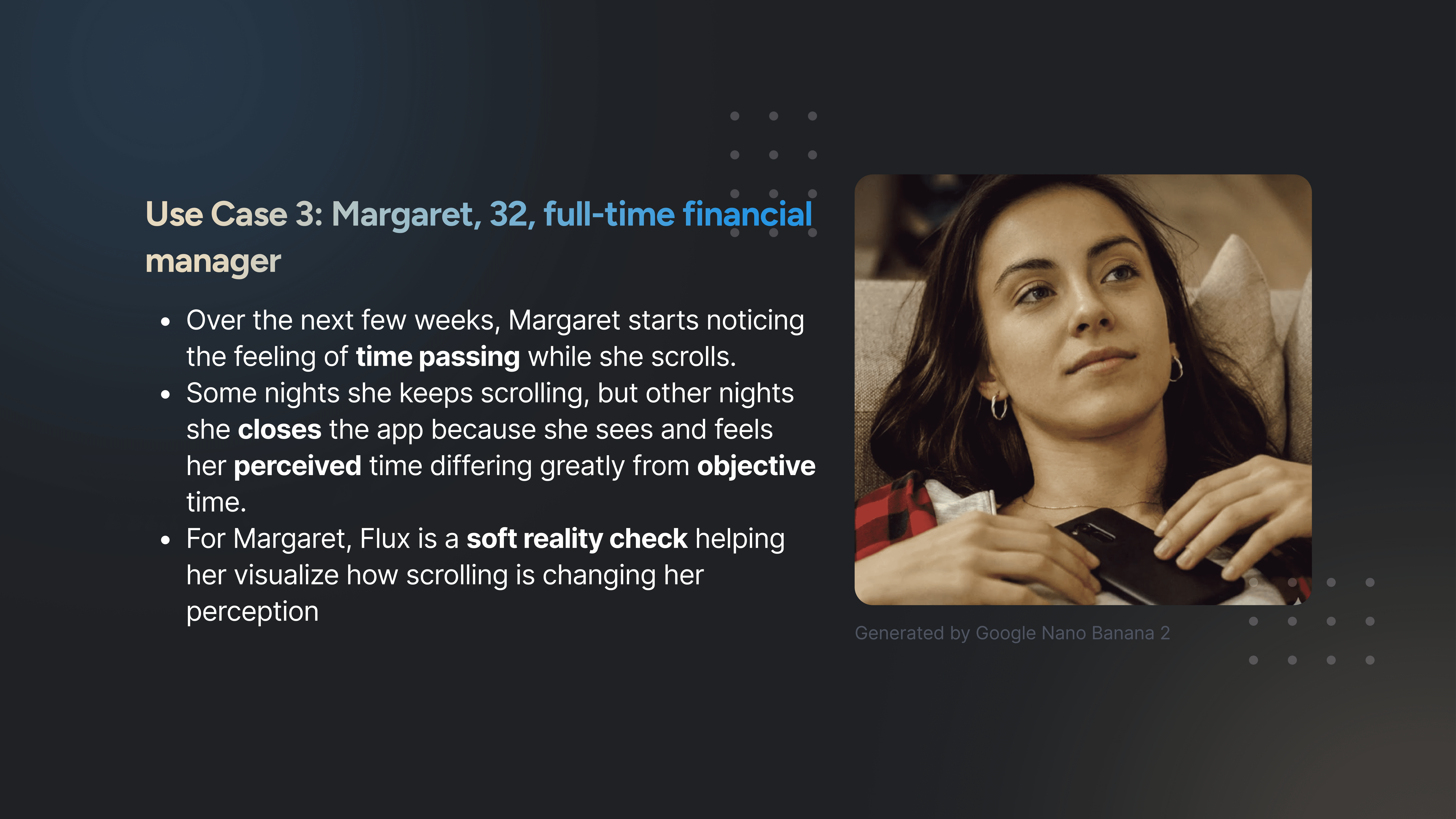
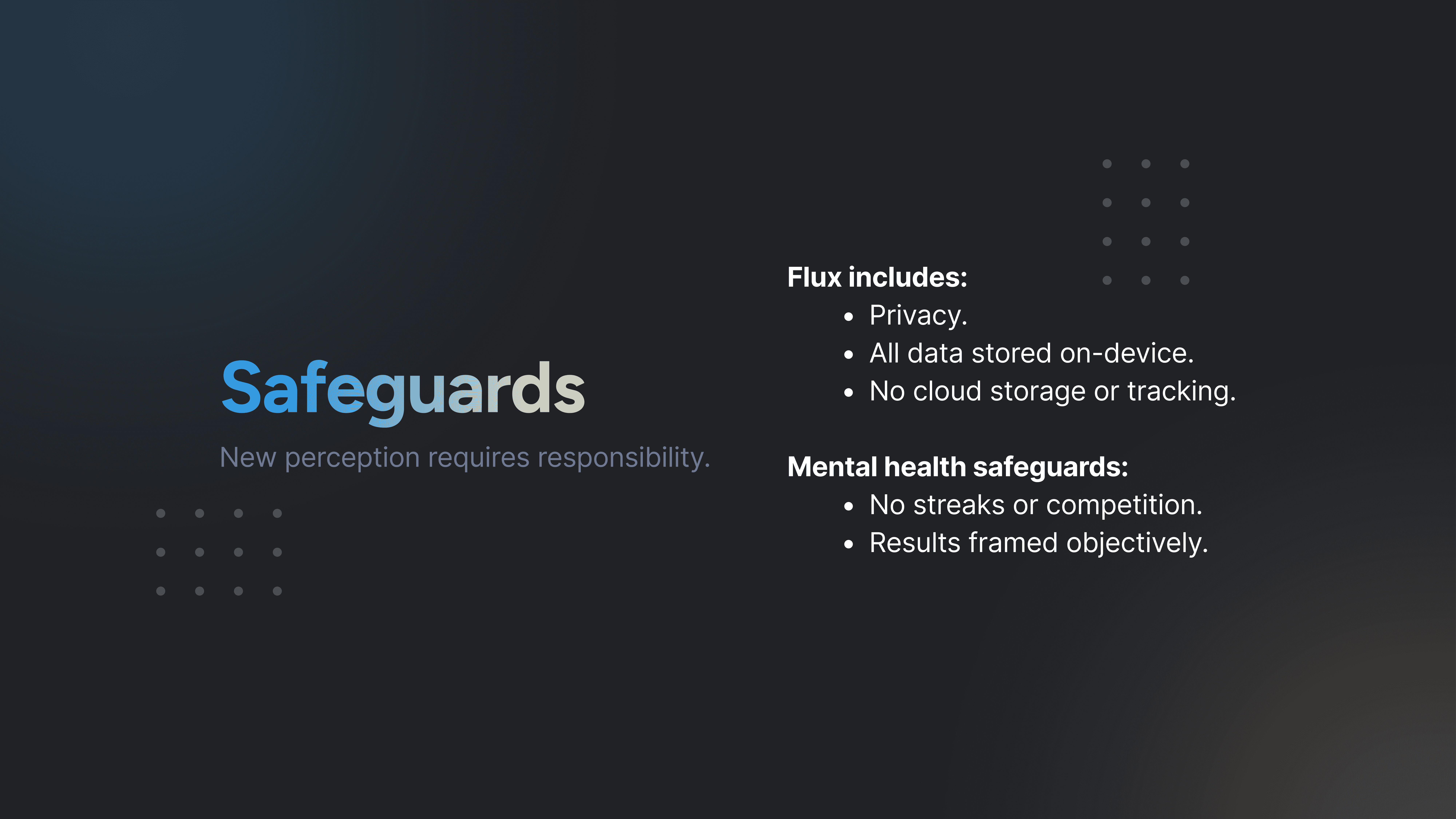
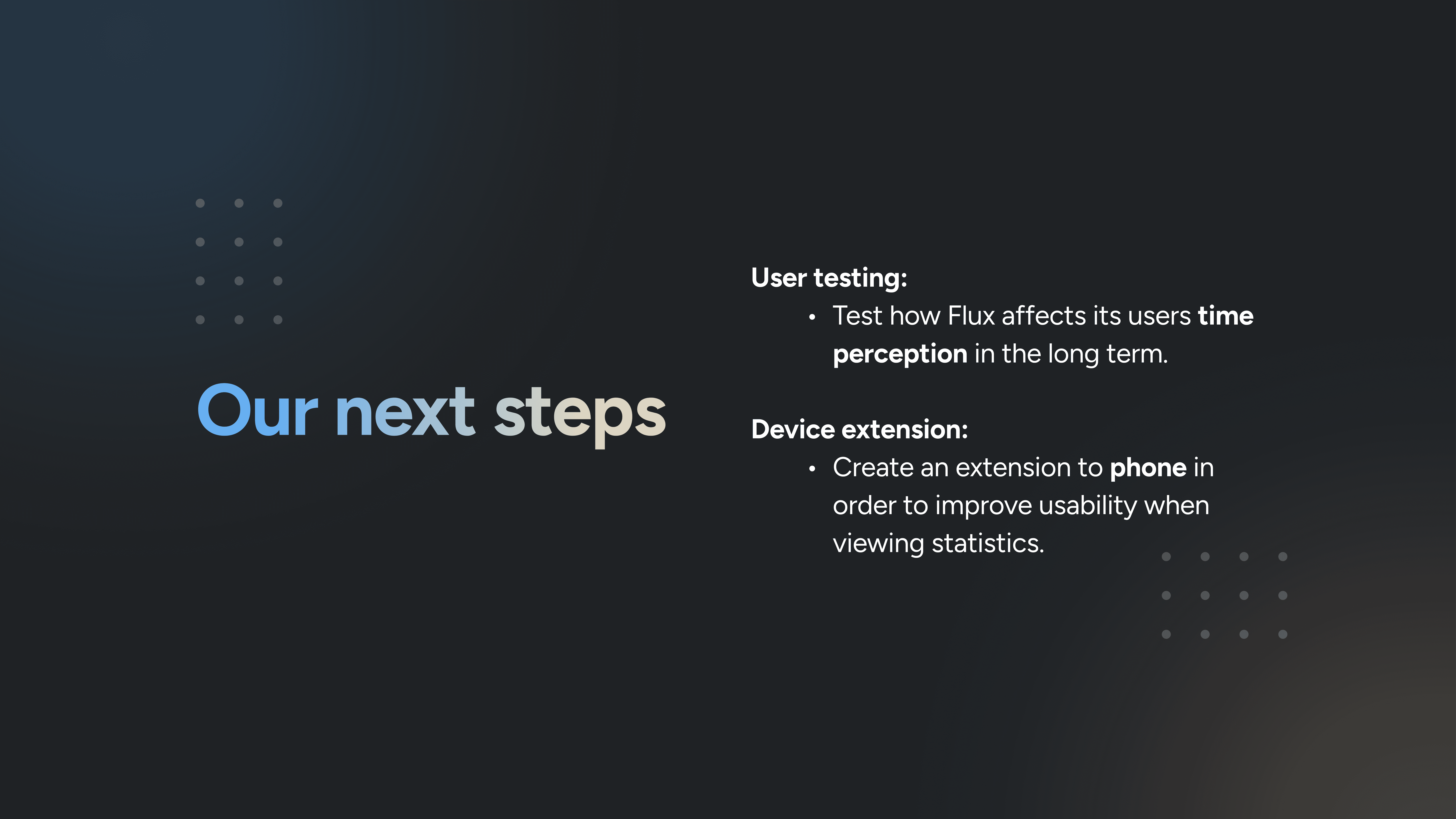
As part of the designathon, we developed both a slide deck and a video to present our solution.
I created the slide deck, focusing on clearly communicating our process, decisions, and final design, while my partner produced the accompanying video.



IMPACT
The results of a 3-day design sprint
Created 5 high-fidelity screens
Built an interactive prototype using Figma Make
Designed an end-to-end project in just 72 hours
REFLECTION
What I learned about AI-driven design
Working within the tight timeframe of a designathon made this a very fast-paced (yet exciting!) project. We spent late nights refining our designs to ensure that we delivered the best solution possible.
Within the three day span, my perspective on AI in product design changed. Rather than replacing designers, AI compressed repetitive work and expanded the amount of exploration possible within a fixed deadline.